
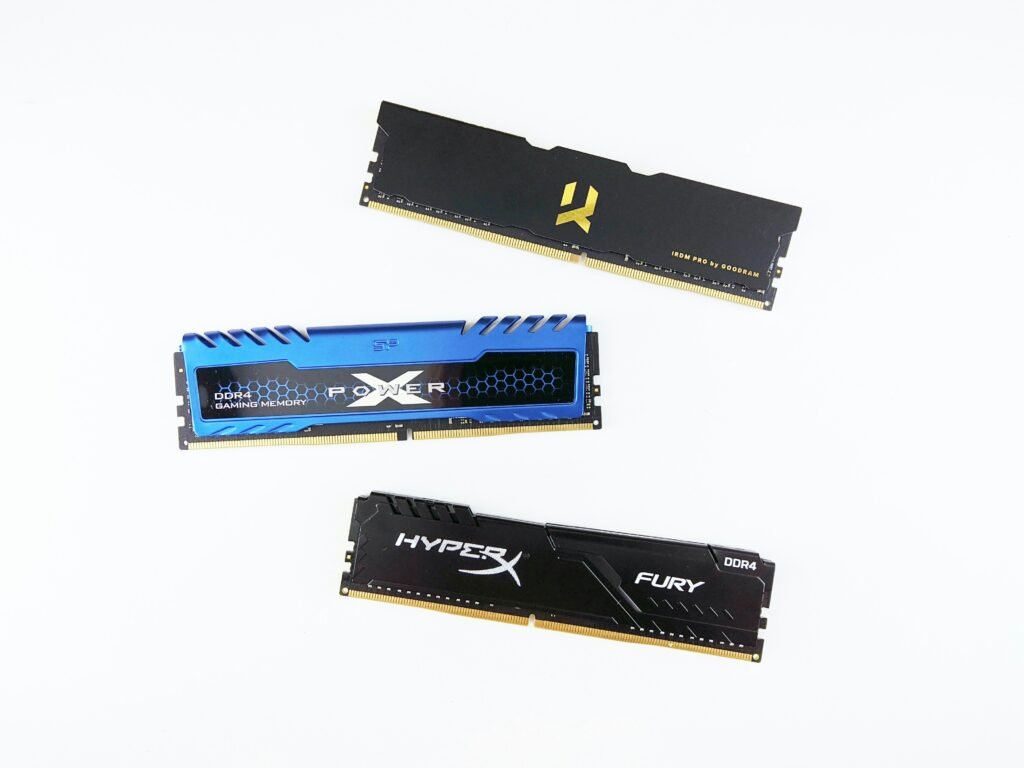
Is 16GB RAM Enough for Video Editing in 2026? The Truth Most Creators Won’t Tell You
If you’re planning to buy a new laptop or upgrade your current laptop system, so perhaps you have a big question on your mind: is 16GB RAM enough for video editing in 2026?
As 4K becomes the standard, 8K gains popularity, and AI-powered editing tools become common, hardwere requirements are evolving rapidly. Many YouTubers claim that 16GB is sufficient however, the reality depends on the type and level of content you create, as well as the software you utilize.
In this detailed guide, we’ll explain everything to you complete candor no hype, no marketing bias.
What Does RAM Actually Do in Video Editing
Before answering is 16GB RAM enough for video editing, you need to understand what RAM does.
RAM (Random Access Memory) acts as your system’s short-term memory. When you’re editing videos:
- Your footage is temporarily stored in RAM
- Effects and transitions are processed in RAM
- Timeline previews rely heavily on RAM
- Background apps (browser, music, plugins) consume RAM
When RAM is insufficient:
- Timeline playback stutters
- Rendering slows down
- Software may freeze or crash
However, RAM does not work alone. Video editing performance depends on:
- CPU – Handles encoding, decoding, and processing
- GPU – Speeds up effects and color grading
- Storage (SSD) – Affects loading speed
- RAM – Handles multitasking and smooth playback
So the real question isn’t just is 16GB RAM enough for video editing it’s whether your entire system is balanced.
Is 16GB RAM Enough for Video Editing? Scenario Breakdown
Let’s answer this clearly.
YES – 16GB RAM Is Enough If:
- You edit in 1080p
- You create YouTube videos, tutorials, vlogs
- You use light transitions and basic color correction
- You don’t stack heavy effects
- You use proxy files for 4K
For beginners and casual creators, 16GB is still perfectly usable in 2026.
MAYBE – 16GB RAM Is Enough for Video Editing If:
- You edit in 4K
- You use moderate effects
- You color grade lightly
- You work on small client projects
In this case, 16GB works but expect occasional slowdowns. You’ll need optimized workflows.
NO – 16GB RAM Is NOT Enough If:
- You edit 4K/6K/8K RAW footage
- You use heavy motion graphics
- You work in After Effects
- You use AI-based tools like auto-masking
- You multitask heavily
For professional editors in 2026, 32GB is quickly becoming the new standard.
Software-Specific RAM Requirements in 2026
Different editing programs use RAM differently.
Adobe Premiere Pro
Premiere officially recommends 16GB minimum. But real-world performance improves significantly with 32GB, especially for 4K editing.
If you’re asking is 16GB RAM enough for video editing in Premiere Pro? yes for 1080p, borderline for 4K.
DaVinci Resolve
Resolve is more demanding, especially when using:
- Fusion
- Advanced color grading
- Noise reduction
For serious Resolve users, 32GB is strongly recommended.
Final Cut Pro (Apple Silicon)
Apple’s unified memory system is more optimized. A 16GB MacBook performs better than many 16GB Windows laptops.
So in this case, is 16GB RAM enough for video editing? Often yes but professionals still prefer 32GB.
Lightweight Editors (CapCut, Filmora)
For simple social media content, 16GB is more than enough.
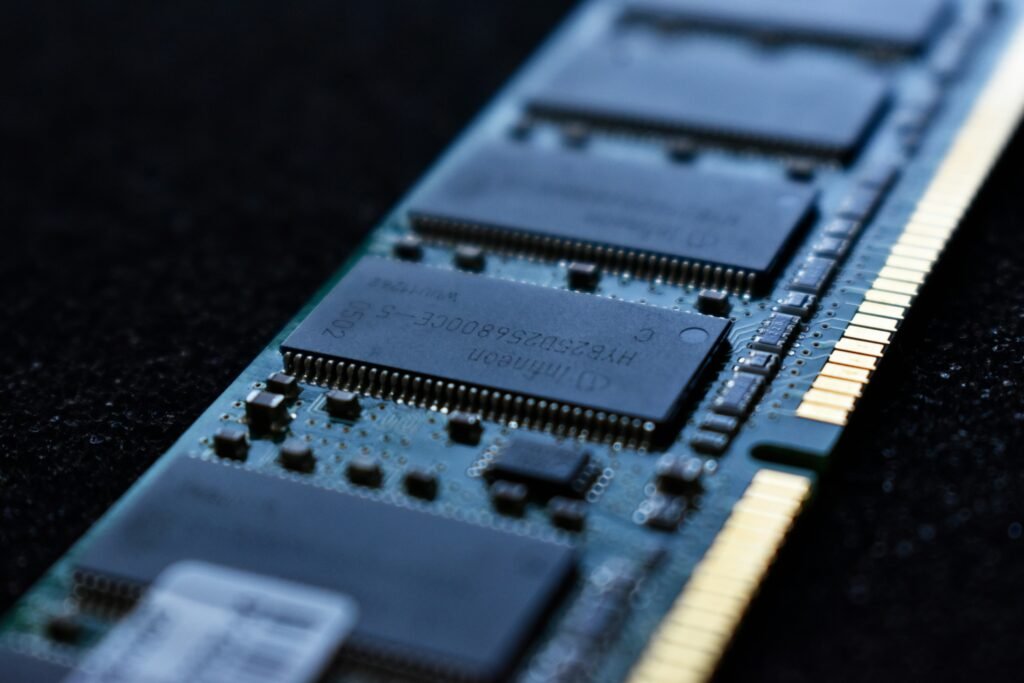
Real-World Comparison: 16GB vs 32GB RAM
Timeline Playback
- 16GB: Smooth in 1080p, sometimes laggy in 4K
- 32GB: Much smoother multitasking and 4K playback
Export Times
RAM doesn’t dramatically reduce export time alone CPU and GPU matter more.
Multitasking
This is where 32GB wins.
With 16GB:
- Chrome + Premiere + Photoshop = system strain
With 32GB:
- Smooth switching between apps
So if your workflow involves multitasking, the answer to is 16GB RAM enough for video editing becomes less favorable.
The Hidden Truth Most Creators Won’t Tell You
Here’s what many reviewers don’t mention:
1 They Use Proxies
Many creators saying “16GB is enough” edit using proxy files lower-resolution copies of footage.
2 They Upgrade Later
Many start with 16GB and quietly upgrade to 32GB.
3 Affiliate Bias
Some recommend 16GB models because they’re cheaper and sell more through affiliate links.
So always evaluate based on your real workflow.
AI in 2026: Why RAM Matters More Now
Modern editing software includes AI features:
- Auto subtitles
- Background removal
- Object tracking
- AI color correction
These tools consume additional memory.
As AI becomes standard, the question is 16GB RAM enough for video editing becomes more complicated. For AI-heavy workflows, 32GB offers smoother performance.
Who Should Choose 16GB RAM?
You should consider 16GB if:
- You’re a beginner
- You edit 1080p videos
- You create YouTube Shorts or Reels
- You’re a student learning editing
- You’re on a tight budget
For these users, 16GB still provides great value in 2026.

- Boosts System Performance: 32GB DDR5 overclocking desktop memory RAM kit (2x16GB) that operates at 6000MHz to improve ga…
- Accelerated gaming performance: Every millisecond gained in fast-paced gameplay counts—benefit from lower latency for hi…
- Optimized DDR5 compatibility: Compatible 13th gen intel core CPUs or newer AMD Ryzen 9000 series CPus
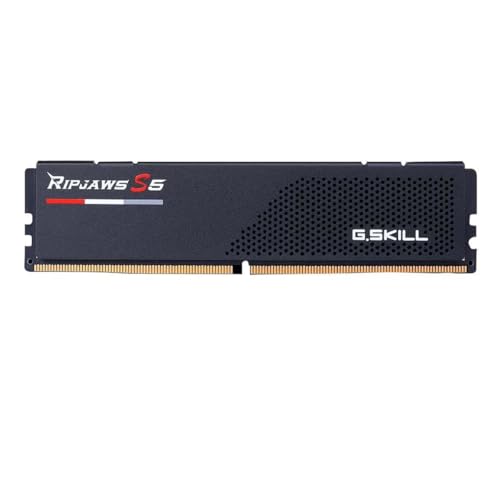
- Memory Type : DDR5 / Capacity : 16GB (1X16 GB)
- Tested Speed : 5600 MT/s/ Tested Latency : 40-40-40-89 / Tested Voltage : 1.20V
- SPD Speed :4800 MT/s / SPD Voltage : 1.10V
Who Should Upgrade to 32GB or More?
You need 32GB if:
- You edit professionally
- You work with clients
- You edit weddings/events in 4K
- You use After Effects regularly
- You handle large projects
For professionals, asking is 16GB RAM enough for video editing usually leads to the answer: no, not long-term.
If you are a college student and wish to build a career in video editing or social media, our team has selected and listed some best laptops here: https://trendydeal.in/best-laptop-for-college-students-under-60000-in-india/
Budget Considerations: Is It Worth Paying More?
The price difference between 16GB and 32GB models can range from moderate to significant.
But consider:
- Will you keep this laptop for 3–5 years?
- Is the RAM upgradeable later?
- Is your work growing?
If the laptop allows RAM upgrades, you can start with 16GB and upgrade later.
If RAM is soldered (non-upgradable), choosing 32GB upfront is smarter.
Laptop Buying Tips for Video Editing in 2026
Minimum recommended:
- 16GB RAM
- SSD storage
- Dedicated GPU
- Modern CPU (i5/Ryzen 5 or better)
Ideal setup:
- 32GB RAM
- High-performance CPU (i7/Ryzen 7 or higher)
- RTX GPU or strong integrated Apple Silicon
Remember RAM alone doesn’t define performance.
Frequently Asked Questions
Can I edit 4K videos with 16GB RAM?
Yes, but expect slower previews unless you use proxies.
Does more RAM reduce render time?
Not significantly. CPU and GPU affect rendering more.
Is 64GB overkill?
For most creators, yes. Only high-end professionals need it.
How much RAM do YouTubers actually use?
Many serious creators use 32GB or more.
Final Verdict: Is 16GB RAM Enough for Video Editing?
So, is 16GB RAM enough for video editing in 2026?
The honest answer:
- Yes for beginners and 1080p creators
- Maybe for light 4K editing
- No for professional 4K/8K and heavy effects
If your budget is limited, 16GB is still usable. But if you want smoother performance, future-proofing, and professional-level editing, 32GB is the smarter long-term investment.
Affiliate Disclosure
Some of the laptop recommendations on this website may contain affiliate links. This means we may earn a small commission if you purchase through our links at no extra cost to you. We only recommend products that are suitable for creators and video editors based on real-world performance and research. Your support helps us continue creating helpful content like this.